
官方一键安装 OpenClaw 配置局域网互访
OpenClaw 官方一键安装脚本
这是最快的安装方式。它会检测你的操作系统,在需要时安装 Node,安装 OpenClaw,并启动新手引导。
macOS / Linux / WSL2
curl -fsSL https://openclaw.ai/install.sh | bash如果你希望安装时不运行新手引导:
curl -fsSL https://openclaw.ai/install.sh | bash -s -- --no-onboard配置 allowedOrigins(推荐)
nano ~/.openclaw/openclaw.json

在 gateway 节点下找到或添加 controlUi 配置:
{
  "gateway": {
    "port": 18789,
    "bind": "lan",
    "controlUi": {
      "allowedOrigins": [
        "http://localhost:18789",
        "http://127.0.0.1:18789",
        "http://你的局域网IP:18789",
        "https://你的域名:18789"
      ]
    }
  }
}关键点:
"bind": "lan"必须设置,否则服务不会监听局域网接口填入的地址必须与浏览器访问栏中的地址完全一致(包括 http/https 协议、端口号)
关于 HTTPS 的要求
如果你通过 局域网 IP 访问(如 http://192.168.x.x),现代浏览器会要求启用 HTTPS 才能正常工作,快速生成自签名证书
# 创建证书目录
mkdir -p ~/.openclaw/certs

# 生成证书(替换 CN 为你的 IP)
openssl req -x509 -newkey rsa:4096 \
  -keyout ~/.openclaw/certs/key.pem \
  -out ~/.openclaw/certs/cert.pem \
  -days 365 -nodes \
  -subj "/CN=你的服务器IP"
在 openclaw.json 中启用 TLS
{
  "gateway": {
    "tls": {
      "enabled": true,
      "certFile": "/home/lukey/.openclaw/certs/cert.pem",
      "keyFile": "/home/lukey/.openclaw/certs/key.pem"
    }
  }
}
配置完成后:
重启 Gateway:
openclaw gateway restart访问地址变为
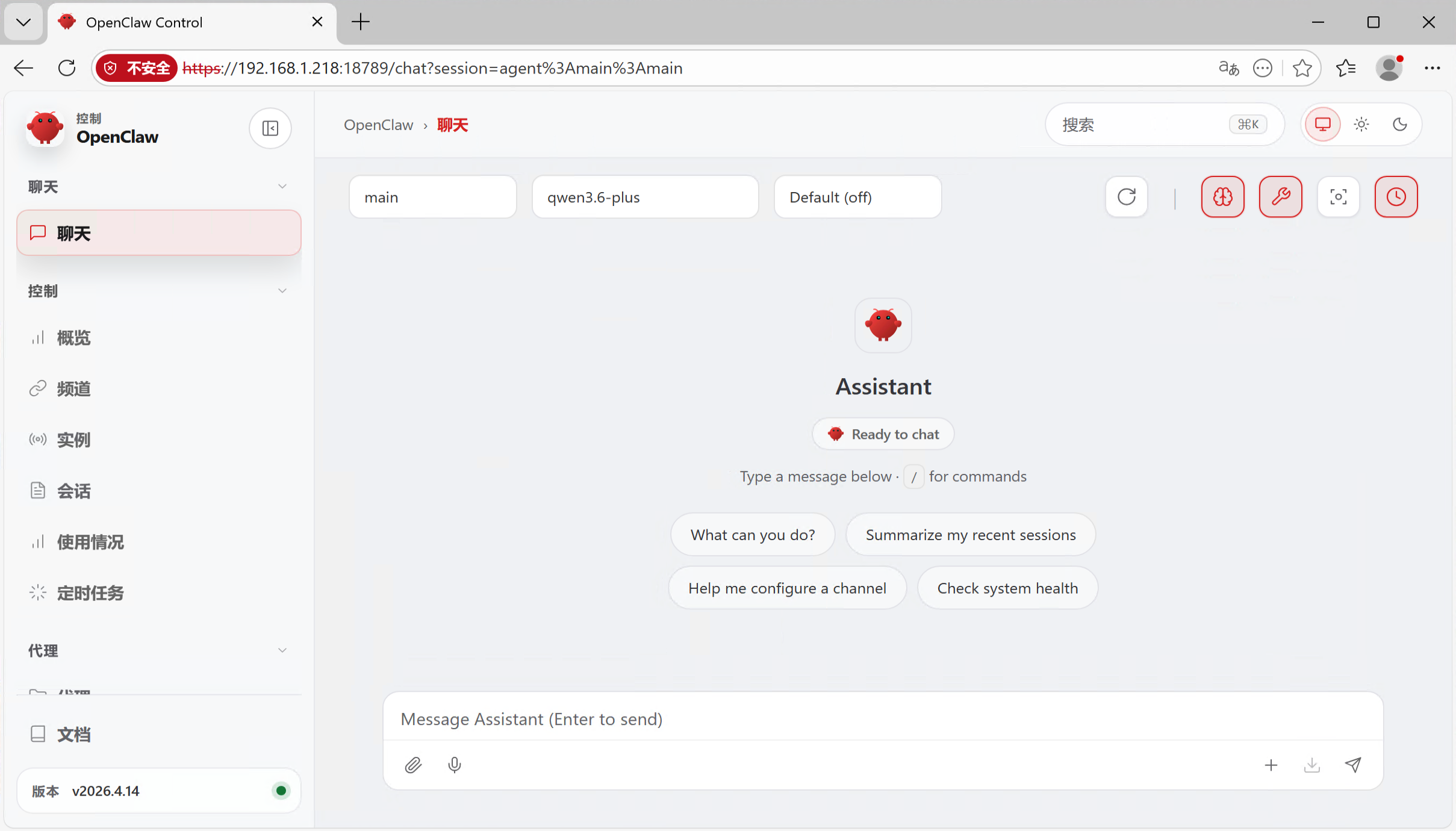
https://你的IP:18789浏览器提示不安全时,点击"高级" → "继续访问"
完整配置示例
{
  "gateway": {
    "port": 18789,
    "bind": "lan",
    "tls": {
      "enabled": true,
      "certFile": "/home/lukey/.openclaw/certs/cert.pem",
      "keyFile": "/home/lukey/.openclaw/certs/key.pem"
    },
    "controlUi": {
      "allowedOrigins": [
        "http://localhost:18789",
        "http://127.0.0.1:18789",
        "https://你的服务器IP:18789"
      ]
    },
    "auth": {
      "mode": "token",
      "token": "你的token"
    }
  }
}
本文是原创文章,采用 CC BY-NC-ND 4.0 协议,完整转载请注明来自 Lukey
阅读建议




评论
匿名评论
隐私政策
你无需删除空行,直接评论以获取最佳展示效果